
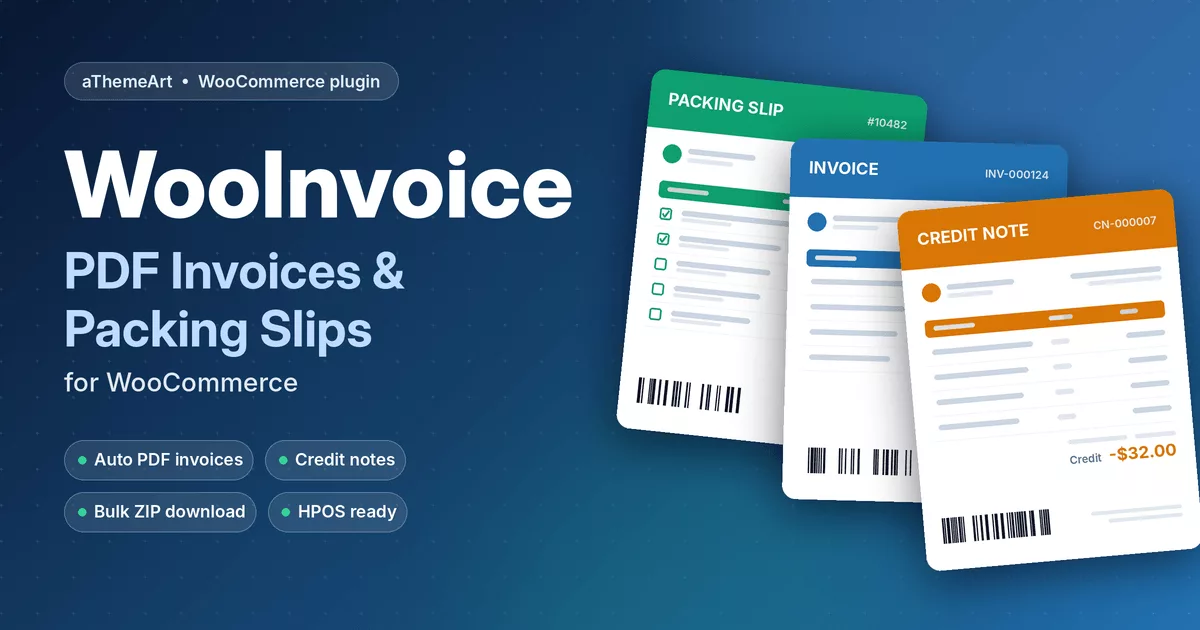
WooInvoice – PDF Invoices & Packing Slips is a WooCommerce plugin that turns every order into professional paperwork with zero manual work. It creates WooCommerce PDF invoices when an order reaches the status you choose, attaches them to customer emails, and hands your warehouse a clean packing slip without prices. Refund an order and the matching credit note appears automatically.
Enter your company details once, pick one of three designs, and WooInvoice handles numbering, tax breakdown, barcodes, customer downloads and bulk export.
Key Features of PDF Invoices & Packing Slips for WooCommerce
Automatic WooCommerce PDF invoices
Generate an invoice when an order moves to Processing, Completed or any custom status, or create it manually from the PDF Documents box on the order screen. Regenerate or download it at any time, then choose exactly which WooCommerce emails carry the attachment. This is the automated PDF invoice email workflow stores need for accounting and customer trust.
Custom invoice sequential numbering
Set a prefix, suffix, zero-padding and next number, build your own format with {prefix}{number}{suffix}, and reset the counter yearly, monthly or never. Credit notes get their own prefix, so your accountant always sees a clean sequence.
Packing slips for the warehouse
WooCommerce packing slips list products, quantities, SKUs and variation details with a pick-and-pack checkbox column. Hide prices, show shipping method, weight and dimensions, and add a Code 128 barcode. Packing slips (sometimes called delivery notes) can be created automatically on any status you select.
Credit notes for refunds
Full or partial refunds create a credit note automatically. Attach it to the refunded-order email so customers receive proof of the credit instantly.
Bulk download PDF invoices
Select orders in the list, then generate invoices or packing slips in one click, or download them as a ZIP for your accountant or fulfilment team. An invoice number column and quick order actions keep everything one click away. Fully compatible with High-Performance Order Storage (HPOS).
Customer self-service downloads
Customers download invoices from My Account, the order view page or the thank-you page. Guests use a secure link built on the order key, so nobody needs to log in.
Invoice logo, header and footer customization
Add your logo with a custom height, company address, VAT or tax number on the invoice, notes, rich-text terms and footer text. Choose Modern, Classic or Minimal layouts, set brand colors, table header colors, font, paper size and orientation. Tax is itemized by rate, and discounts, shipping, payment method, transaction ID and order currency are shown automatically.
Custom PDF Templates, Hooks and Country Rules
Copy any template to your-child-theme/wooinvoice/invoice/default.php and edit the HTML and CSS freely. Templates receive $order, $document, $company and $settings, and the wooinvoice_document_generated action fires after every document is created.
Need a footer note that depends on the customer’s country? Add it after the footer block in your template:
if ( 'US' !== $order->get_billing_country() ) {
    echo '<p>International order: add your customs or tax note here.</p>';
}
WooInvoice vs Free Core Plus Paid Add-On Setups
| Feature | WooInvoice | Typical free plugin |
|---|---|---|
| PDF invoices | Included | Included |
| Packing slips by email | Included | Often paid add-on |
| Credit notes for refunds | Included | Often paid add-on |
| Bulk ZIP download | Included | Often paid add-on |
| Guest invoice download | Included | Varies |
Based on publicly listed features of popular free plugins; always check current versions.
Compatibility and Requirements
WooInvoice needs WordPress 6.0+, PHP 7.4+ and WooCommerce 7.0+. The Dompdf PDF engine is bundled, a Unicode-friendly font is the default, and the plugin is translation ready. Because it uses standard WooCommerce hooks, PDF invoices & packing slips for WooCommerce work with the Bookory theme and any theme that follows WooCommerce template standards. Follow the WooInvoice user guide for setup in minutes.
On the roadmap: proforma invoices, delivery notes, QR codes, Google Drive and Dropbox upload, REST API and WP-CLI commands. Building a bigger store stack? See our essential WooCommerce plugins and the AI Sales Notifications plugin.
Frequently Asked Questions
Does WooInvoice attach PDF invoices to WooCommerce emails automatically?
Yes. Pick the emails (Processing, Completed, Customer Invoice and more) and the invoice is generated and attached for you.
Can I issue credit notes for refunds?
Yes. Enable automatic credit notes and every full or partial refund produces a numbered credit note.
Does it work with the Bookory theme?
Yes. PDFs are generated independently of your theme, and download buttons use standard WooCommerce hooks, so they appear in Bookory and other compatible themes.
Is WooInvoice an alternative to WP Overnight PDF invoices?
It is a simple alternative if you want invoices, packing slips, credit notes and bulk ZIP export in one plugin. E-invoicing formats such as UBL or Peppol are not part of version 1.0.
Can guests download invoices without an account?
Yes. Enable guest downloads and customers use a secure order-key link from their confirmation page.