
Beaver Builder WordPress themes decide how much of your page builder’s power you actually get to use. Beaver Builder will run on almost any theme, but the theme still controls your header, footer, typography, page width and speed. Pick a poor match and you fight full-width rows, stray sidebars and extra CSS. Pick a good one and your layouts simply behave.
This guide covers the 10 best options, from the official Beaver Builder theme to lightweight starters and flexible frameworks. Each pick explains who it suits and what to watch for, so you can choose a WordPress Beaver Builder theme in minutes rather than hours.
What Is a Beaver Builder WordPress Theme?
Beaver Builder is a front-end, drag-and-drop page builder for WordPress. Its own site reports more than one million sites using it. A Beaver Builder theme is any theme that stays out of the builder’s way: full-width layouts, clean markup and no heavy styles that override your modules.
Three things set a good match apart:
- Full-width or stretched layouts, so rows can reach the screen edge.
- Beaver Themer support, so you can rebuild headers, footers and archives visually.
- Light code, so speed and Core Web Vitals stay healthy.
If you are weighing page builders themselves, our list of best Elementor addons and the guide to WordPress Elementor themes show how the main alternative compares.
The 10 Best Beaver Builder WordPress Themes
1. Beaver Builder Theme (Official)

The Beaver Builder Theme comes from the same team as the plugin, so it is the safest pairing. It is lightweight, works with WooCommerce and is documented in the official BB Theme docs. Choose it if you want one vendor and one support team. The trade-off is a smaller design library than the big multipurpose themes.
2. Astra

Astra is a popular multipurpose theme with a large starter-site library and a free version on the WordPress theme directory. It is built to work with Beaver Builder and Beaver Themer, and it offers header and footer controls plus strong WooCommerce styling. It suits freelancers who reuse one base across many client sites. Some advanced options sit in the paid plan.
3. GeneratePress

GeneratePress keeps its front end minimal and gives you precise layout control, which is why developers like it as a Beaver Builder base. Its premium add-on brings sections, elements and a deeper WordPress design toolkit. Expect a plain starting look: it is a foundation, not a finished design.
4. Page Builder Framework
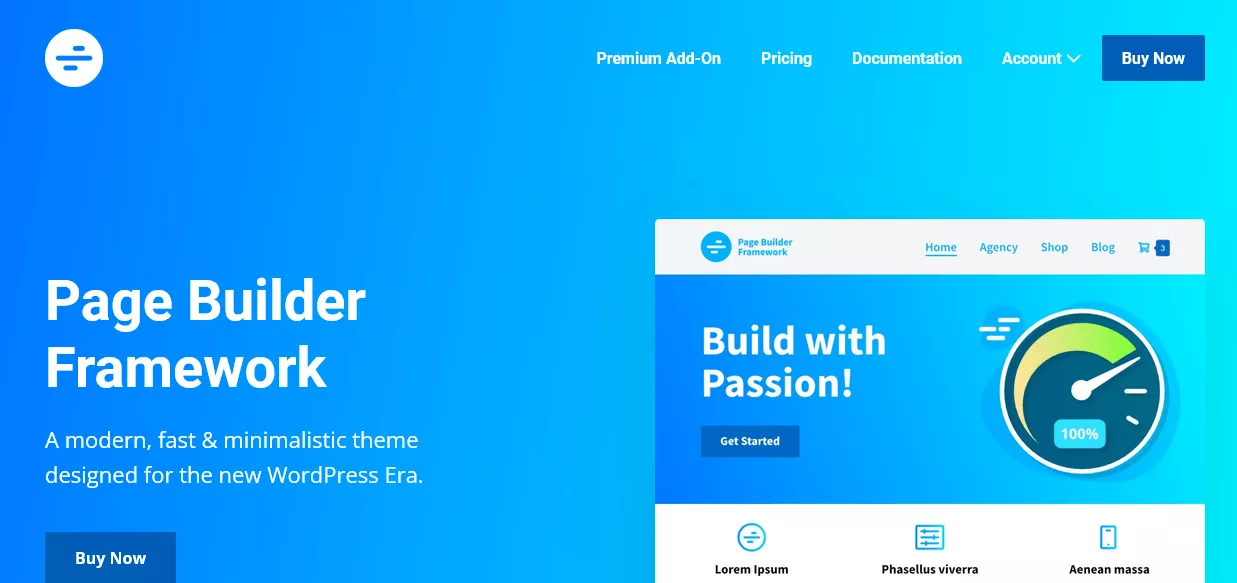
Page Builder Framework is designed specifically for page builders, so its defaults leave your Beaver Builder rows alone. Its footprint is small and it supports WooCommerce and common membership and LMS plugins. It is a strong fit when you want nearly everything built in the builder itself.
5. OceanWP

OceanWP packs many layout, header and WooCommerce options, and it works with Beaver Builder. Its extensions add features such as sticky headers and popups. The upside is flexibility; the downside is that you should switch off unused modules to keep pages lean.
6. Neve

Neve is a mobile-first theme with a header and footer builder and a catalog of starter sites. It is lightweight, supports WooCommerce and plays well with page builders. Good choice for small business sites where speed matters more than exotic options.
7. Sydney

Sydney targets business, portfolio and service sites, with multiple header layouts and a WooCommerce module. It is a tidy base for a polished WordPress design that you then refine with Beaver Builder sections.
8. Hestia

Hestia uses a clean material-style look and a one-page homepage structure. It is popular for startups, agencies and portfolios and supports WooCommerce. If you plan a long, scrolling landing page, it is a good canvas.
9. Customify

Customify offers a visual header and footer builder, ready-to-import sites and compatibility with major page builders. It is a lightweight pick for people who want to tweak global styles in the Customizer and leave page content to Beaver Builder.
10. Genesis Framework

Genesis is a developer-oriented framework with a secure, SEO-minded foundation and plenty of hooks for custom work. Pair it with a child theme and Beaver Builder for client projects that need custom code. It has more of a learning curve than the plug-and-play themes above.
Quick Comparison Table
| Theme | Best for | Beaver Themer ready | WooCommerce | Free version |
|---|---|---|---|---|
| Beaver Builder Theme | Official pairing | Yes | Yes | No (paid plans) |
| Astra | All-round | Yes | Yes | Yes |
| GeneratePress | Speed, clean code | Yes | Yes | Yes |
| Page Builder Framework | Builder-first | Yes | Yes | Yes |
| OceanWP | Feature-rich stores | Yes | Yes | Yes |
| Neve | Mobile-first | Yes | Yes | Yes |
| Sydney | Business sites | Yes | Yes | Yes |
| Hestia | One-page sites | Yes | Yes | Yes |
| Customify | Customizer control | Yes | Yes | Yes |
| Genesis Framework | Developers | Yes | Yes | No |
Always confirm Beaver Themer behavior on a staging copy before launch, since theme and plugin updates can change details.
How to Choose the Right Beaver Builder Theme
- Define the project. A store, a portfolio and a course site need different tools.
- Check layout controls. You need a full-width or stretched page option with no forced sidebar.
- Confirm Beaver Themer support if you want to design headers, footers and archives visually.
- Measure speed. Run a demo through a speed test and compare. Our list of the fastest WordPress themes is a useful benchmark for what “light” looks like.
- Review customization depth. See customizable WordPress themes for what good global controls include.
- Check code quality. Well-built themes follow WordPress theme standards.
- Plan for the editor. If you also use blocks, see Gutenberg compatible themes.
Beaver Builder Templates and Theme Setup
Beaver Builder templates are saved layouts: full landing pages, rows or modules you can reuse. A theme’s job is to make those templates look right once they are inserted. A good match means your saved Beaver Builder templates keep their spacing, fonts and widths across pages.
Beaver Builder templates are different from a general WordPress template library, which usually ships complete page designs with the theme. You can combine them: start with a theme demo, then use Beaver Builder templates for new pages.
A simple setup routine:
- Install and activate the theme, then install Beaver Builder.
- Set the page template to full width and remove sidebars on builder pages.
- Set global fonts and colors in the Customizer so your WordPress design stays consistent.
- Build headers and footers with Beaver Themer, or use the theme’s own builder.
- Test on mobile, then keep the theme current by following our guide to upgrading a WordPress theme safely.
Frequently Asked Questions
Does Beaver Builder work with any WordPress theme?
Yes, it is designed to work with almost any well-coded theme. A theme built for page builders simply gives you fewer layout conflicts.
What is the best Beaver Builder WordPress theme?
For the least friction, the official Beaver Builder Theme. For flexibility, Astra or GeneratePress. For a builder-first approach, Page Builder Framework.
Do I need Beaver Themer?
Only if you want to build headers, footers, archives or single-post layouts visually. Otherwise the theme’s own controls are enough.
Are there free Beaver Builder themes?
Yes. Astra, GeneratePress, Page Builder Framework, OceanWP, Neve, Sydney, Hestia and Customify all have free versions in the WordPress theme directory.
Can I use Beaver Builder with WooCommerce?
Yes. Choose a theme with strong WooCommerce styling, then design shop and product layouts with Beaver Themer or the theme’s tools.
Final Thoughts
The best Beaver Builder WordPress theme is the one that disappears behind your layouts: fast, full-width ready and easy to style. Shortlist two themes from the list above, test them with your own Beaver Builder templates on a staging site, and keep the one that needs the least extra CSS.


