Ready to supercharge your WordPress website? Search engines shape how people find your blog, eCommerce store, or shopping cart. Mastering the hottest ones unlocks real growth. Let’s dive into the top ten with energy and practical tips for every creator.
Every WordPress site needs this knowledge. These engines drive traffic to demos, examples, and full stores. Short sentences keep things clear. Short paragraphs keep the pace fast. Explore each engine fully below.
Want more inspiration? Check who to follow for fresh ideas that fuel your next project.
1. Google
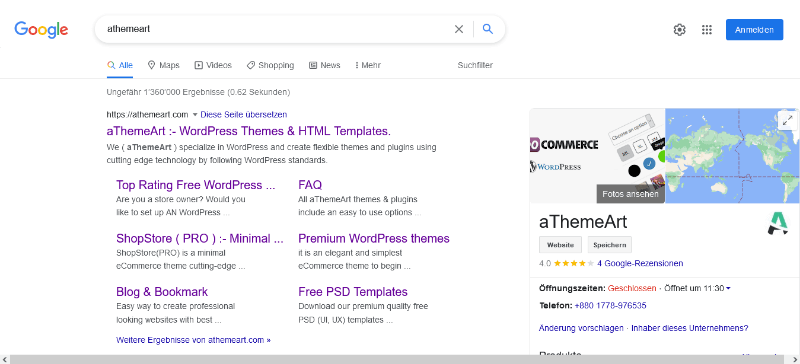
Google launched in 1998 from a Stanford garage. Larry Page and Sergey Brin built it to organize the web. It quickly became the default for billions. Today it powers most searches worldwide with AI-powered results that keep evolving.
Verify your WordPress site fast in Google Search Console. Use the free Site Kit or Yoast SEO to paste the meta tag. Submit your sitemap for faster crawling. Track impressions and clicks for your blog or store.
Regional SEO differs by country domains like google.co.uk or google.com.au. Technical setup needs hreflang tags for local pages. Mobile speed and Core Web Vitals matter more here than elsewhere for strong rankings.
Optimize WordPress for Google AI with clear schema and natural language. Privacy tools like consent banners help. Fast loading supports AI overviews and keeps users engaged longer on every page.
Master the basics with this on-page seo guide before scaling further.
Use WPML or Polylang for multilingual setups. Configure regional plugins for currency and language. This matches Google’s local results perfectly for global eCommerce sites and shopping carts.
Google unlocks massive traffic for any WordPress website. It diversifies sources, gives an edge over competitors, speeds indexing, and boosts conversions on shopping carts and demos every single day.
2. Bing
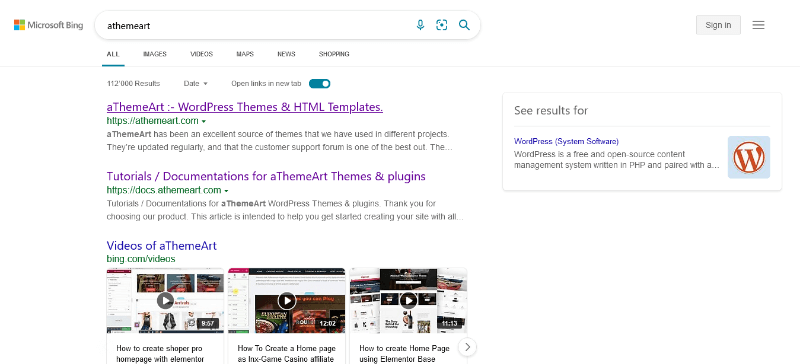
Microsoft launched Bing in 2009 to challenge Google. It evolved from earlier MSN search efforts. AI features like Copilot now power smarter answers. Growth continues on desktop and Windows devices worldwide.
Connect Bing Webmaster Tools through Yoast SEO or All in One SEO. Paste the verification code once. Enable IndexNow for instant URL updates. Monitor performance for your eCommerce store easily.
Regional focus is strong in the US, Japan, and Europe. Technical differences include better support for structured data. Desktop ranking factors weigh heavier than pure mobile ones in many markets.
Celebrate diverse voices with this look at women contribution across the WordPress community.
Privacy settings in WordPress pair well with Bing’s tools. AI integration rewards clean content. Avoid heavy trackers so your site ranks higher in personalized results and AI answers.
Multilingual plugins like TranslatePress work great. Set regional currencies for shopping carts. Bing handles multiple languages smoothly for international WordPress blogs and stores.
Bing opens untapped traffic from Microsoft users. It diversifies your sources, creates competitive edge, crawls faster with IndexNow, and lifts monetization on stores and demos.
3. Yahoo!

Yahoo started in 1994 as a web directory. It grew into a full search engine early on. Powered largely by Bing today, it still serves millions. Email and news keep users loyal across generations.
Yahoo! verification often links through Bing Webmaster Tools. Use the same meta tags in WordPress SEO plugins. Submit sitemaps once and cover both engines. Simple and effective for any website or blog.
Stronger in older demographics and Japan via Yahoo Japan. Technical needs focus on clean HTML and fast loads. Local results favor established brands and clear contact info for trust.
Need a fun break? Explore these useless websites that still spark creativity.
Keep WordPress privacy-friendly for Yahoo users. AI features pull from Bing’s engine. Lightweight plugins ensure smooth performance across devices and regions without slowdowns.
Configure multilingual plugins for Japanese or English audiences. Regional settings help shopping carts display local prices. This boosts relevance in Yahoo search results for stores.
Yahoo unlocks older audience traffic for blogs and stores. It diversifies sources, edges competitors in niche markets, indexes steadily, and improves conversion rates overall.
4. Baidu
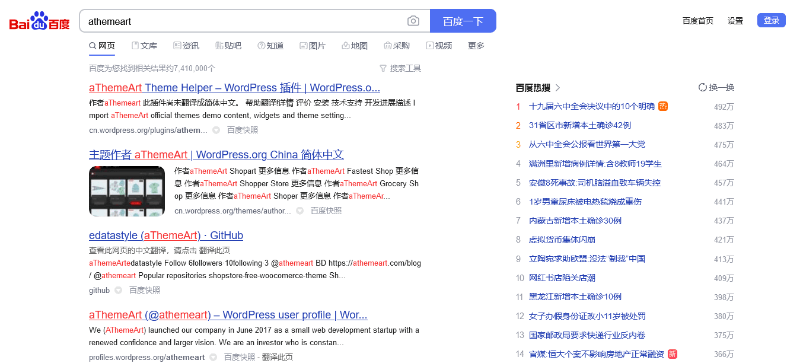
Baidu launched in 2000 as China’s answer to Google. Robin Li built it for Chinese language needs. It dominates the local market completely. Mobile and AI features keep expanding fast every year.
Verify in Baidu Webmaster Tools with meta tags via Yoast or AIOSEO. Chinese account setup is required. Submit sitemaps and use push tools for faster indexing of your store or demo pages.
Regional SEO is China-only focused. Technical differences include ICP licensing and simplified Chinese content. Mobile-first design and local hosting improve rankings dramatically in this market.
Build strength with a healthy theme that keeps your site fit and fast.
Privacy rules in China differ, so use compliant WordPress setups. AI features reward high-quality Chinese content. Avoid blocked services for smooth crawling and better visibility.
Install Chinese language packs and regional plugins. Configure shopping carts for yuan and local payment. Multilingual tools help dual-language WordPress sites succeed in the region.
Baidu unlocks huge China traffic for eCommerce websites. It diversifies global sources, beats competitors locally, crawls faster with push tools, and drives higher conversions.
5. Yandex
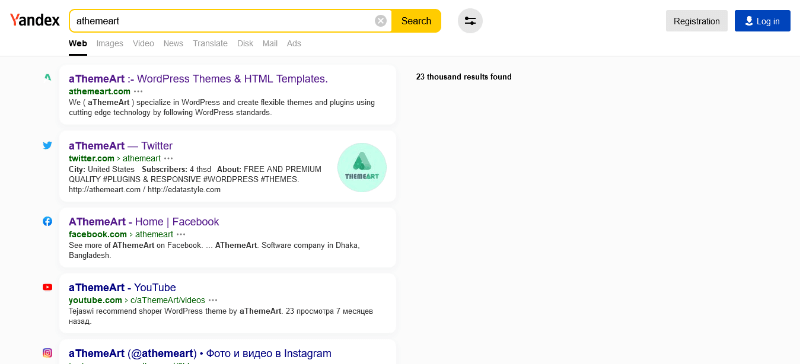
Yandex began in 1997 in Russia. It grew into the top local engine with smart algorithms. Daily users number in the tens of millions. Maps and AI tools expand its reach further across regions.
Verify via Yandex Webmaster with meta tags in WordPress SEO plugins. Submit sitemaps and enable IndexNow. Track regional performance for your blog or store easily and quickly.
Dominant in Russia and CIS countries. Technical needs include Cyrillic support and local hosting. Geotargeting settings improve rankings for nearby users significantly over time.
Stay ahead with insights from these future tech resources that shape tomorrow’s web.
WordPress privacy plugins work well with Yandex. AI features favor structured data and fast sites. Clean code helps indexing across regional servers without issues.
Use WPML for Russian and other languages. Regional plugins handle local currencies and shipping. This optimizes shopping carts for Yandex audiences perfectly and boosts sales.
Yandex unlocks Russian market traffic for WordPress sites. It diversifies sources, gives regional edge, indexes faster, and raises monetization on stores and demos.
6. DuckDuckGo
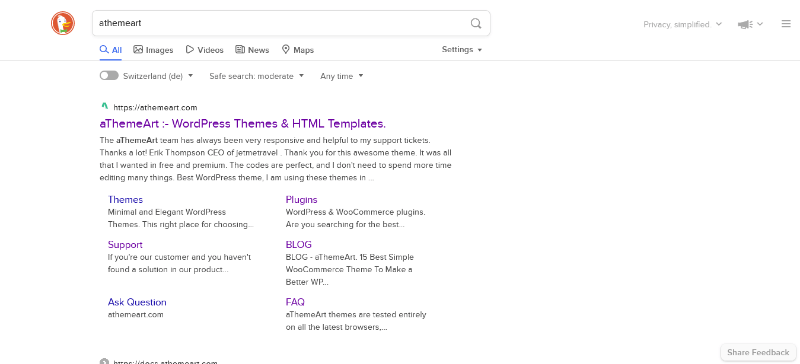
DuckDuckGo started in 2008 with privacy as its core mission. Gabriel Weinberg built it to avoid tracking. Growth stays steady among privacy-focused users. No personal data storage defines its unique appeal.
No official webmaster tools exist. Focus on clean WordPress code and XML sitemaps. Use IndexNow for related engines. Privacy plugins ensure compatibility and build user trust fast.
Popular in privacy-conscious regions like Europe and the US. Technical differences reward no-tracking sites. Fast loads and simple design rank higher here than complex setups.
Gather essential tools from this solid resources list to power your next build.
Optimize WordPress fully for privacy. Remove unnecessary trackers and scripts. AI-friendly content still works because results stay unbiased and clean for everyone.
Multilingual plugins function normally. Regional settings help global blogs and stores. Privacy-first configuration builds trust with DuckDuckGo users everywhere they search.
DuckDuckGo unlocks privacy-seeking traffic for any website. It diversifies sources, edges competitors on trust, crawls cleanly, and supports higher conversions through credibility.
7. Ask.com

Ask.com launched in 1996 as Ask Jeeves. It focused on natural language questions. Market share declined over time. It still answers queries in a unique conversational style that stands out.
Limited official tools exist. Rely on general WordPress SEO plugins and sitemaps. Clean structure helps any residual crawling. Focus on quality content for better visibility overall.
Stronger historically in English-speaking markets. Technical needs stay basic with clear questions and answers. Natural language pages perform better than keyword stuffing every time.
Sweeten your projects with these delightful sweeten up theme ideas.
Keep WordPress simple and private. Avoid heavy AI trackers. Conversational content matches Ask’s style and supports better user experience across devices.
Standard multilingual plugins work fine. Regional configs help target English users. Shopping carts stay straightforward for any remaining Ask traffic that arrives.
Ask.com unlocks niche question-based traffic. It diversifies sources slightly, offers unique edge, indexes basic pages, and supports modest conversion gains for blogs.
8. Ecosia
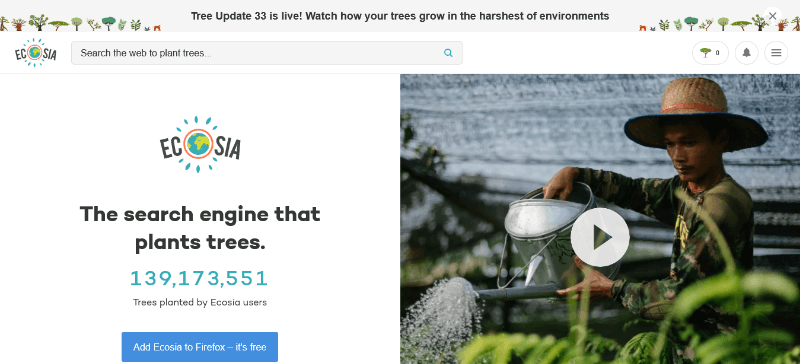
Ecosia launched in 2009 in Germany. Christian Kroll created it to plant trees with profits. Eighty percent of revenue funds reforestation. Eco-conscious users love the mission and keep coming back.
No dedicated webmaster tools. Use standard sitemaps and clean WordPress code. Privacy plugins align with its values. Focus on sustainable site practices that match the brand.
Popular in Europe among green users. Technical differences reward fast, lightweight sites. Local results favor eco-friendly businesses and clear impact stories that inspire action.
Get inspired for your next trip with these ready for takeoff adventure themes.
Optimize WordPress for low energy use. Privacy tools fit perfectly. AI features remain secondary to the green mission and clean results that users trust.
Multilingual plugins support European languages well. Regional settings help local stores. Eco-themed content boosts relevance in Ecosia searches and builds loyalty.
Ecosia unlocks eco-aware traffic for blogs and stores. It diversifies sources, edges green competitors, crawls steadily, and lifts conversions through shared values.
9. Wikipedia

Wikipedia focuses on wiki-style knowledge search. It aggregates Wikipedia and similar sources. The goal is quick factual answers. It stays niche but useful for research and learning.
No major verification tools. Rely on structured WordPress content and sitemaps. Clear headings and facts help visibility. Keep pages factual and well-organized for best results.
Global but knowledge-focused. Technical needs center on clean markup and authority signals. Wiki-style pages rank better than sales-heavy content in this space.
Score big with these practical events and tips for engaging themes.
Privacy is lower priority. Still keep WordPress secure. AI optimization helps factual summaries appear more readily in results for curious readers.
Multilingual wiki content works with standard plugins. Regional knowledge bases improve local relevance. Useful for educational blogs and demo sites that inform users.
Wiki unlocks knowledge-seeker traffic. It diversifies sources for informational sites, offers niche edge, indexes facts fast, and supports higher engagement conversions.
10. Internet Archive
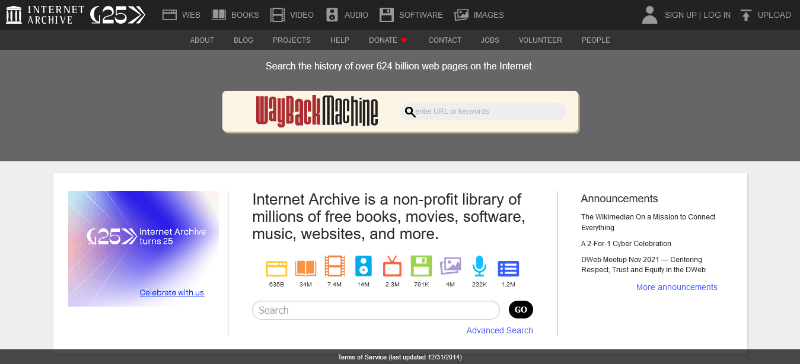
Internet Archive started in 1996 as a digital library. Brewster Kahle built the Wayback Machine. It preserves web history and old pages. Search focuses on archived content that still matters.
No standard webmaster tools. Ensure your WordPress site allows archiving. Clean permalinks help. Sitemaps still support general discovery of current pages and updates.
Global historical focus. Technical differences reward stable URLs and long-term content. Avoid frequent redesigns that break archived versions over the years.
Privacy and permanence matter. Keep WordPress secure for long-term access. AI tools can surface historical context when relevant to current searches.
Multilingual archives benefit from proper language tags. Regional plugins help local historical content. Useful for blogs that value longevity and lasting impact.
Internet Archive unlocks historical research traffic. It diversifies sources uniquely, edges archival competitors, supports steady indexing, and aids long-term monetization.
Final Thoughts for WordPress Creators
These ten engines shape today’s search trends. Each offers unique history, tools, and regional power. Optimize your WordPress website, blog, or eCommerce store accordingly for real results.
Verification, privacy, multilingual plugins, and smart technical choices deliver results. Untapped traffic, diversified sources, competitive edge, faster indexing, and higher conversions all become possible with focus.
Start with Google and expand outward. Test demos and examples on your site. Watch shopping carts fill as global visitors arrive. The hottest engines reward prepared creators every single day.